Not everything I build is a big project. These are small tools that each started from one specific job, and they're still online if you have the same job.
JSON to Excel converter
vue3-json-to-excel started in 2022 as a Vue 3 component: give it JSON, get a link that downloads an .xlsx file. Its site is now an online JSON to Excel converter built on that same component. You paste or upload JSON, check the preview table and download the file. The workbook is built in the browser with SheetJS, so the data never leaves your computer.
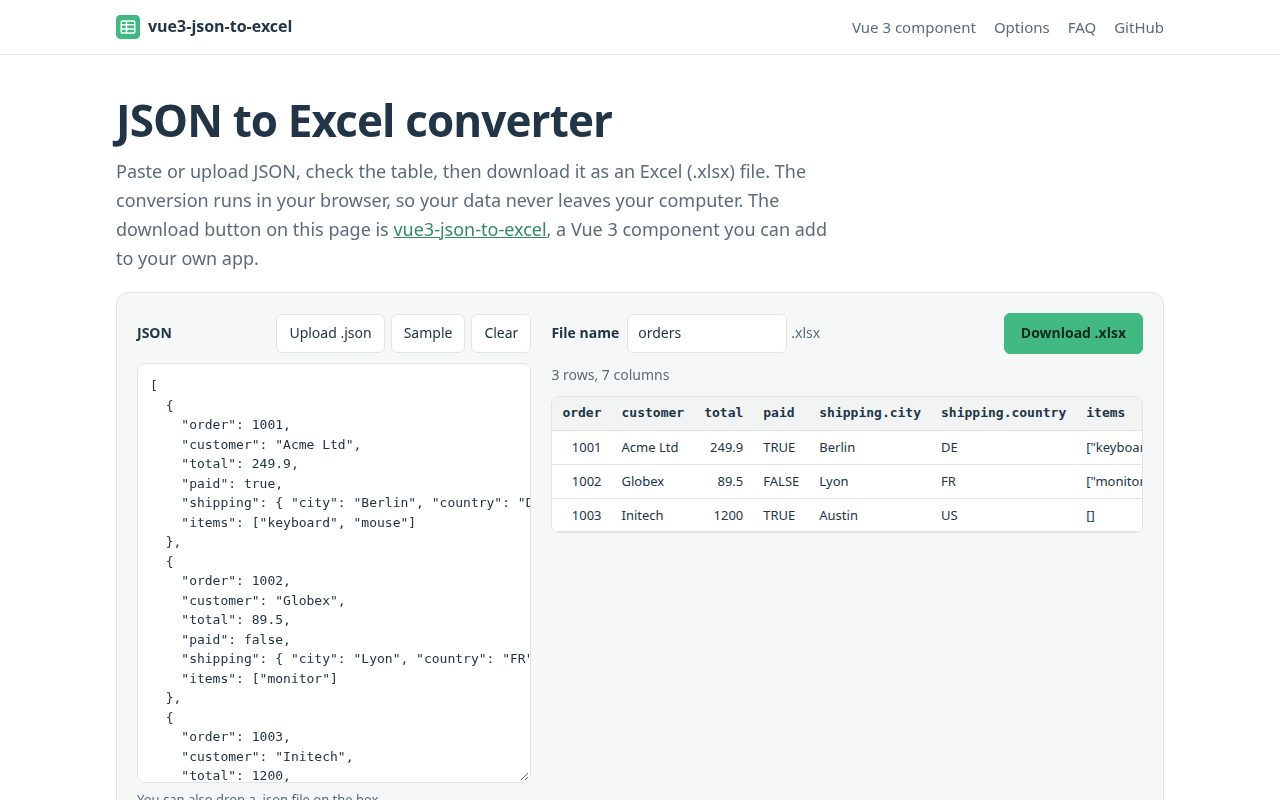
The rules for turning JSON into a sheet are simple. Each object in the array is a row, and the keys become the header row in the order they first appear. Nested objects are flattened into dotted columns, so {"shipping": {"city": "Berlin"}} lands in a shipping.city column. Arrays inside an object go into one cell as JSON text. Numbers and booleans keep their type in Excel, and null leaves the cell empty.
To put the same button in your own Vue 3 app:
npm i vue vue3-json-to-excel
<vue3-json-to-excel :jsonData="rows" fileName="report" buttonText="Download" />
One caveat: the array and nested object support is newer than 1.0.5, the version on npm right now. Until the next release, the npm package writes one flat object as a single row.
Steam Deck web app generator
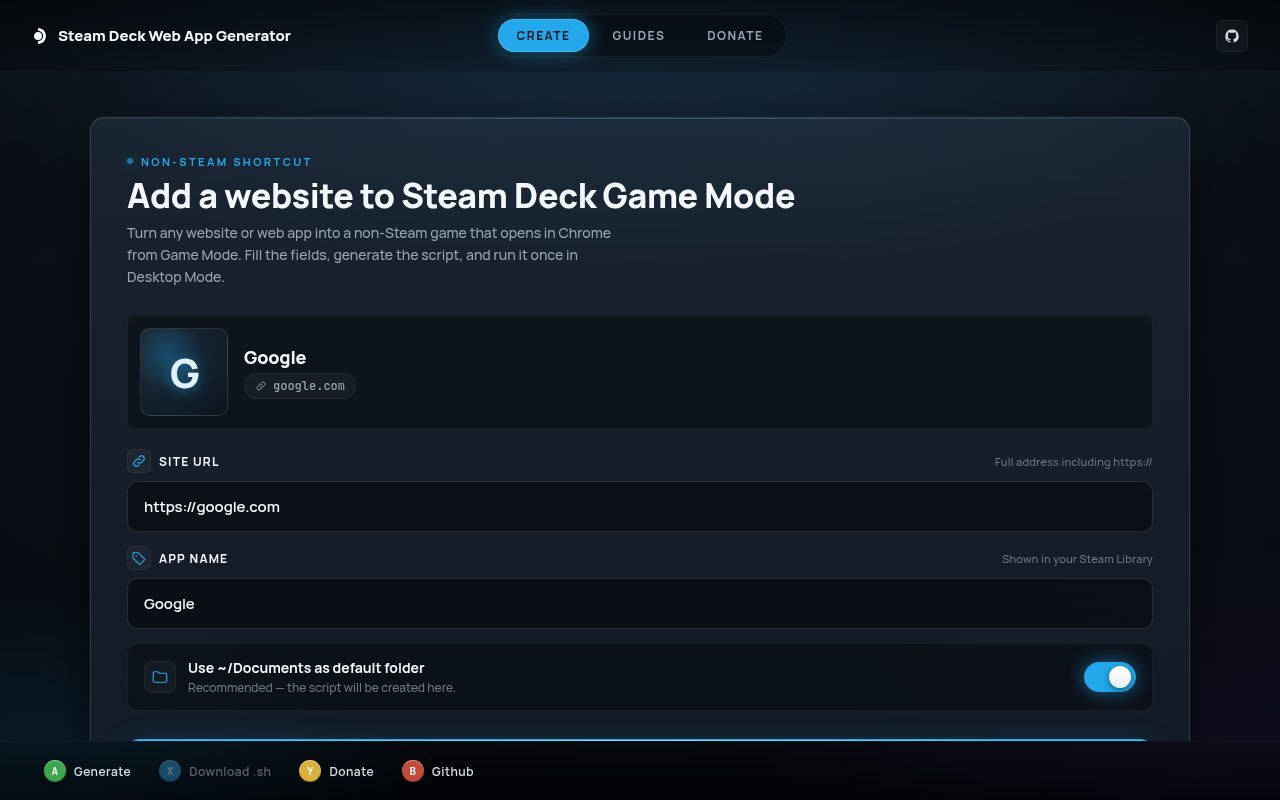
On a Steam Deck, websites run in a browser, and getting to one from Game Mode means switching to the desktop. I made the Steam Deck web app generator in 2024 for BluTV, a Turkish streaming site I wanted to open straight from my library.
You enter a site URL and a name, and it gives you a .sh file. Run it once in Desktop Mode from Konsole:
chmod +x youtube.sh
./youtube.sh
The script writes a small launcher to ~/Documents/<name>.sh and hands it to steamos-add-to-steam, which adds it to your library as a non-Steam game. The launcher is a single line that starts the Chrome flatpak in kiosk mode:
/usr/bin/flatpak run --branch=stable --arch=x86_64 --command=/app/bin/chrome --file-forwarding com.google.Chrome --new-window --hide-scrollbars --kiosk 'https://www.youtube.com'
So the site opens full screen with no tabs, address bar or scrollbars, and pressing STEAM and choosing Exit Game closes it. You need Google Chrome from the Discover store. The launcher uses your normal Chrome profile, so if you sign in to a site once on the desktop, you're still signed in when you open it from Game Mode. The script doesn't set a controller layout; the Gamepad with Mouse Trackpad template gives you a pointer on the trackpad.
There are guides for specific sites: YouTube, Netflix, Xbox Cloud Gaming and GeForce NOW, plus one on using a web browser in Game Mode and one on adding a non-Steam game in general. The Xbox and GeForce NOW guides also cover Microsoft's and NVIDIA's own Steam Deck setups.
Watchbear
Watchbear is a Chrome extension for watching a video with friends in sync. You start a room and share the code. When anyone plays, pauses or skips, everyone's video follows, and chat and reactions sit in a side panel next to the video. It works on YouTube, Vimeo and most sites with a standard video player, and it's free: everyone signs in with a Google account.
I wrote about why I made it in an earlier post. It's on the Chrome Web Store and still gets updates there.
If one of these breaks for you, open an issue on GitHub and I'll take a look.